The price, first.This chat or a new one.
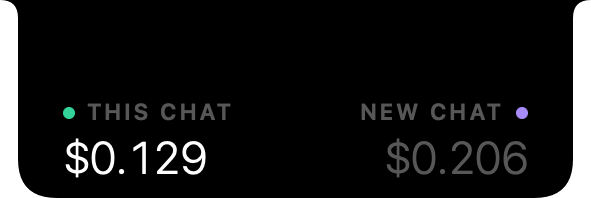
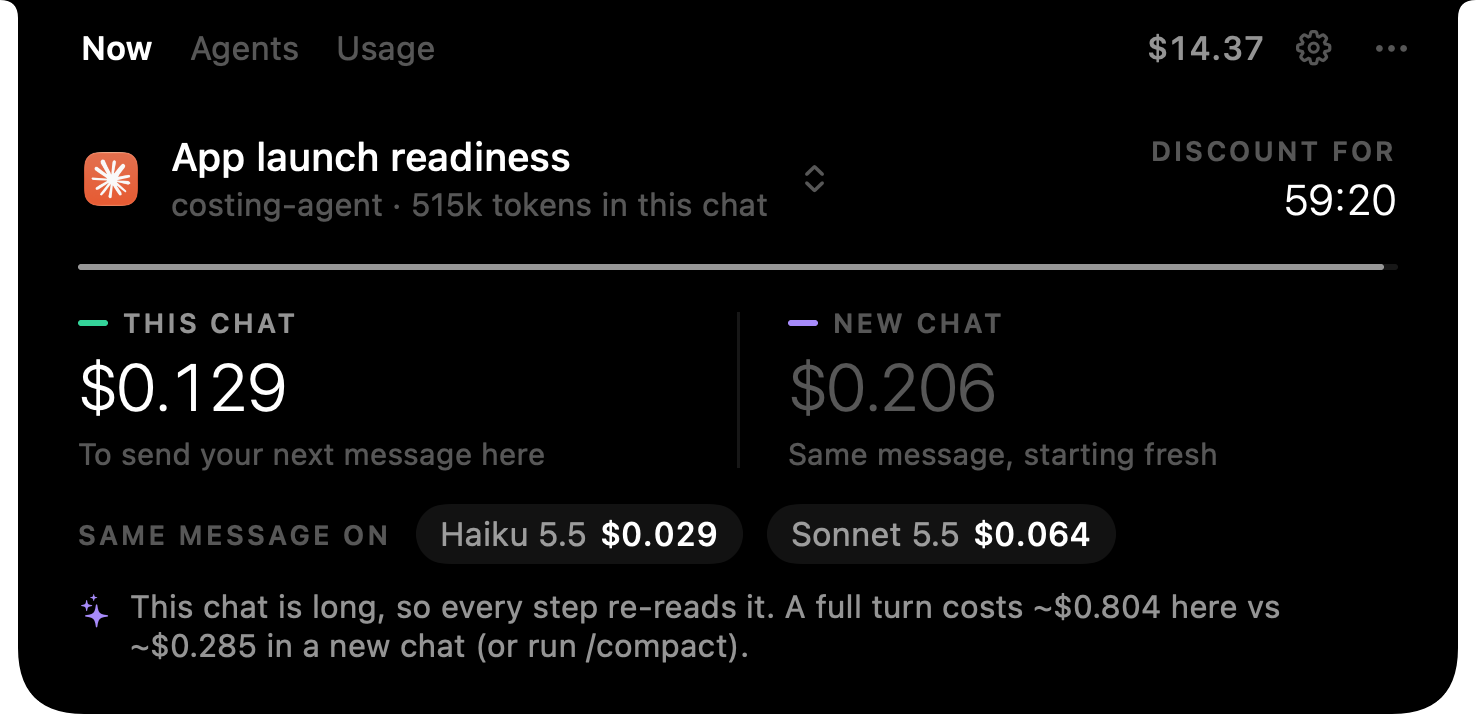
Start typing and the notch shows what your message costs here, what it would cost in a fresh chat, and how long the cache discount lasts.
> refactor the webhook retries
AgentTab lives in your Mac’s notch. See the price of your next prompt, watch every turn’s cost tick up live, and answer Claude Code without leaving what you’re doing.
$19 once · No subscription · Signed and notarized by Apple
AgentTab reads each agent’s own logs on your Mac. No API keys, no proxy, nothing to set up.





Full cost tracking for Claude Code, Codex and OpenCode. Which agents get what?
Hover the notch for the full picture. The rest of the time it stays out of your way, and speaks up only when something needs you.
Start typing and the notch shows what your message costs here, what it would cost in a fresh chat, and how long the cache discount lasts.
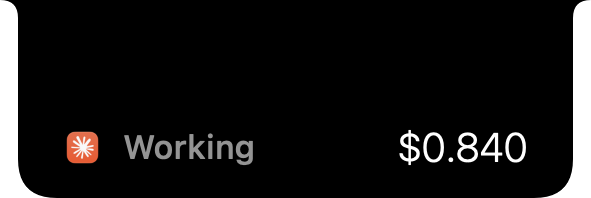
While an agent works, the notch shows what this turn has cost so far, subagents included. When it’s done, you see the total.
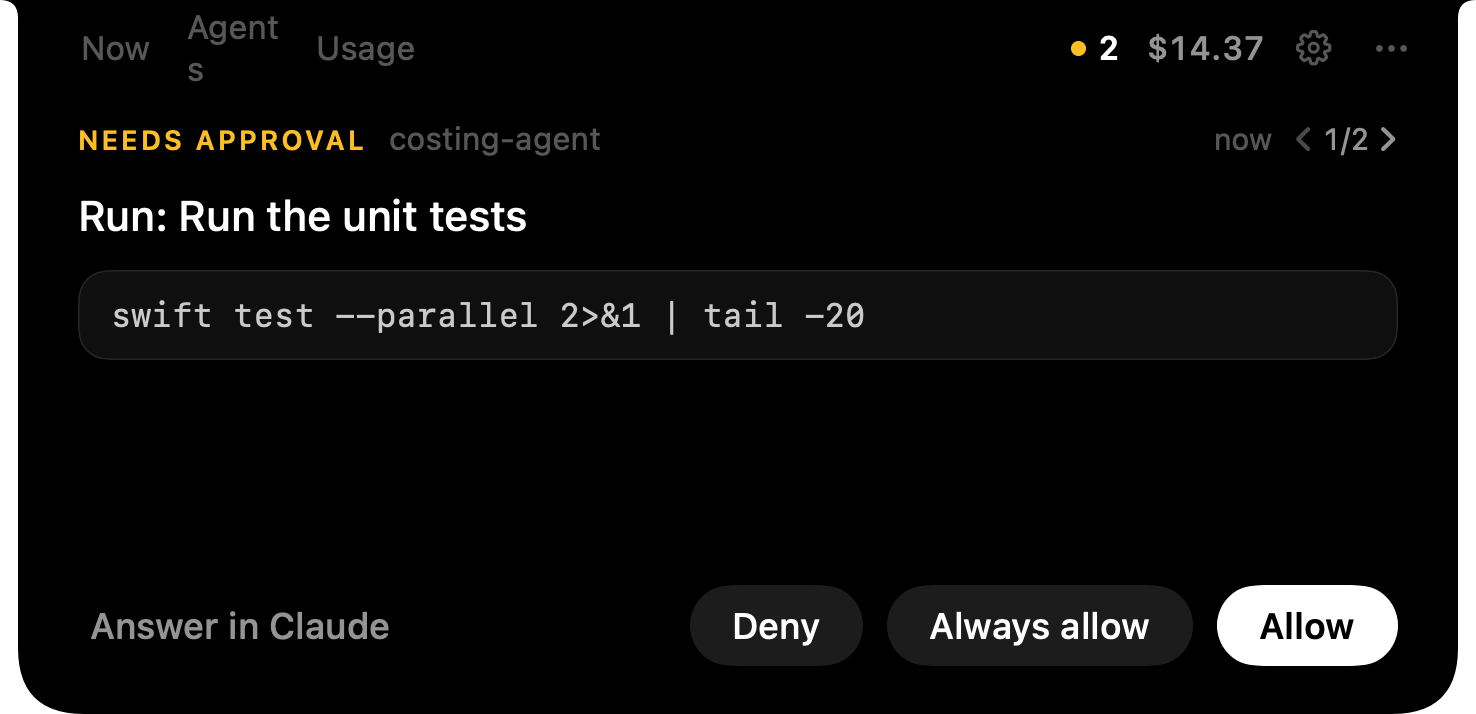
Allow, Always allow or Deny Claude Code’s commands, edits and web calls without switching windows. Whichever you answer first wins.
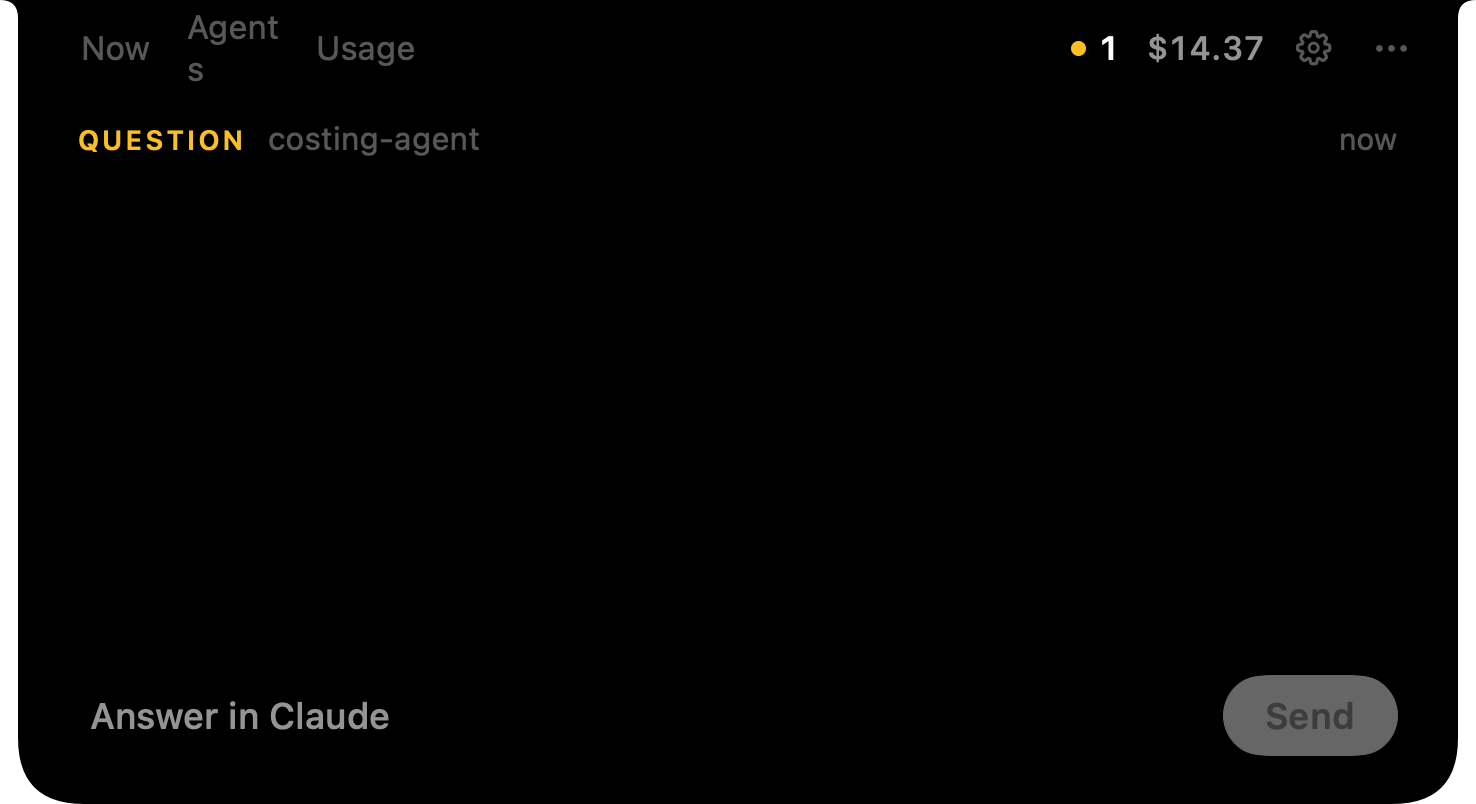
When Claude asks you to choose, the options land in the notch. Long forms scroll, and plan approvals work the same way.
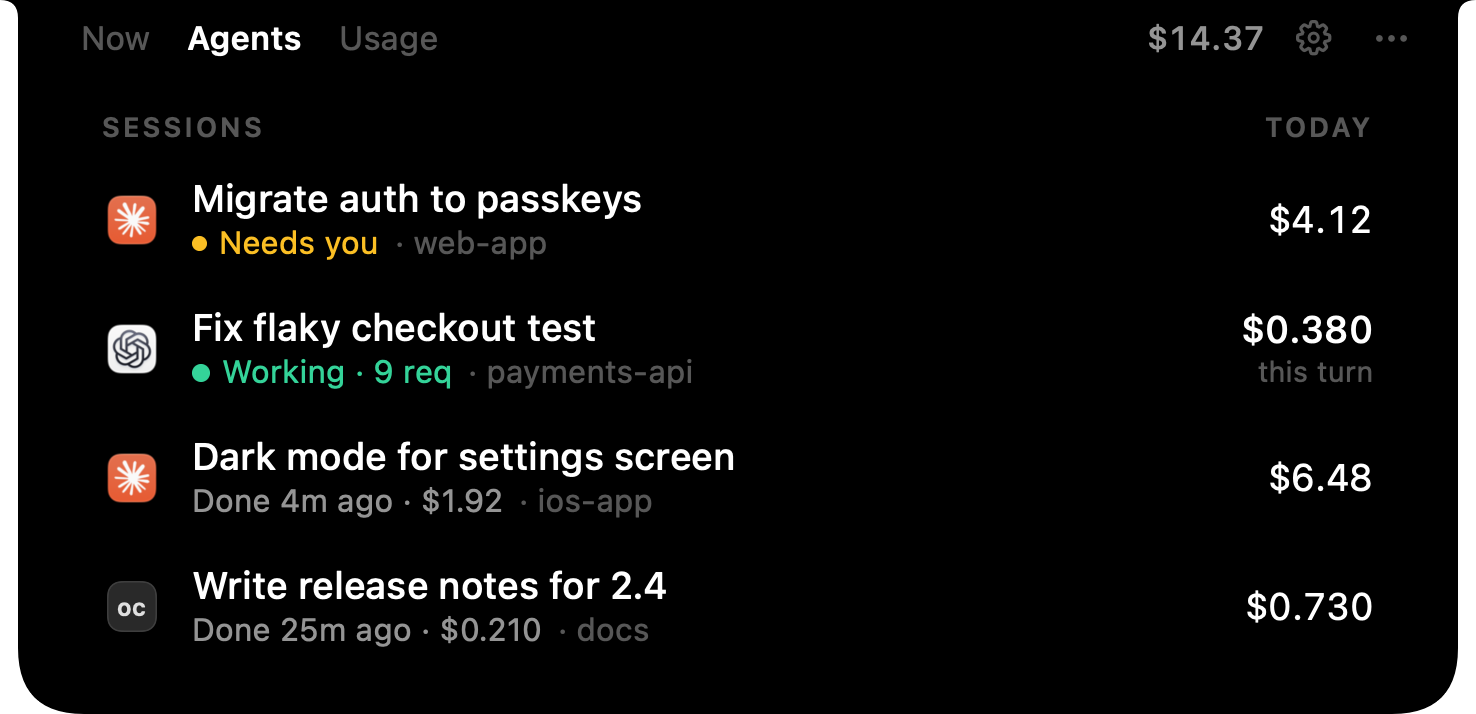
See which session needs you, which is still running, and what each has cost today. Click one to jump straight to it.
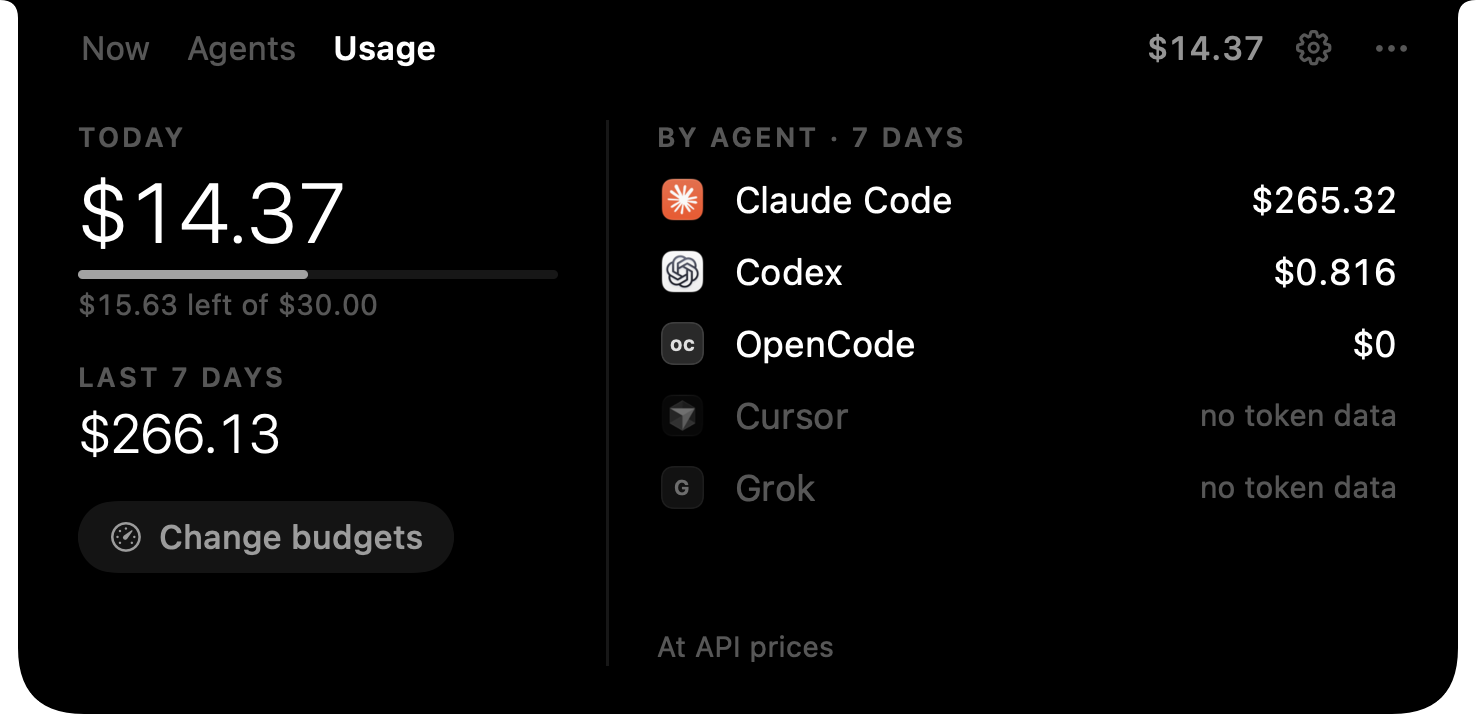
Spend for today and the last 7 days, by agent. Set a daily or weekly limit and the notch gives you a heads-up before you blow past it.
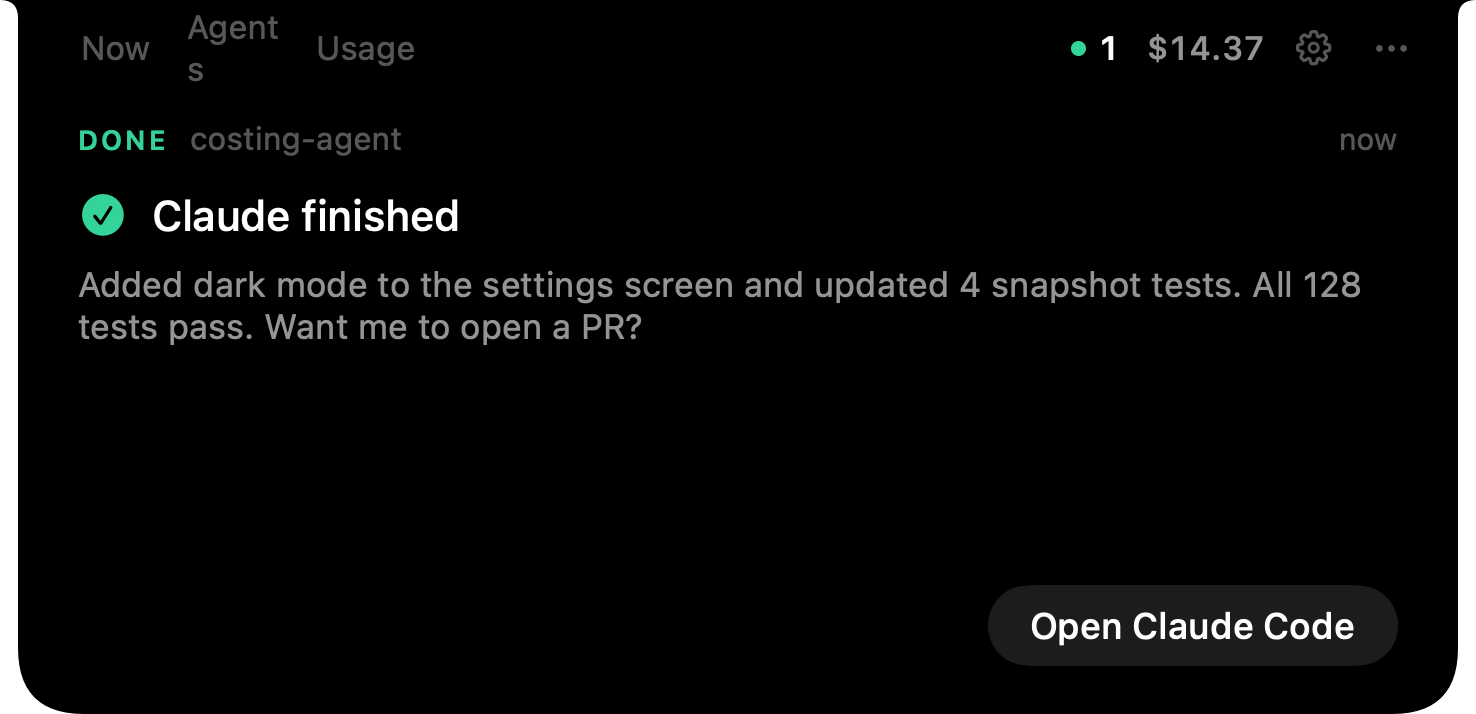
When a turn ends, the notch shows the agent’s last message, so you know whether it needs you before you switch back.
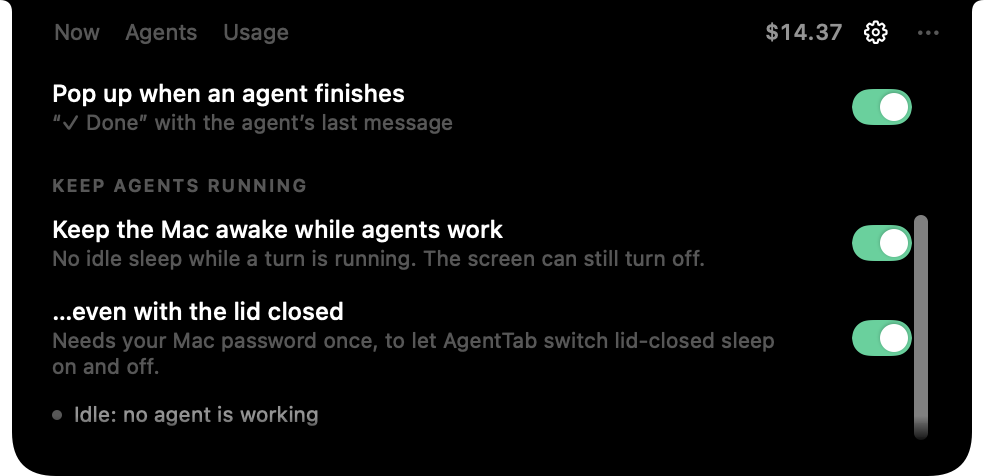
Keep your Mac awake while an agent runs, even with the lid closed. It lets the Mac sleep again two minutes after the work ends, or when the battery runs low.
Logs, prompts and costs never leave it. The only network call is your license check.
External displays and older Macs get a notch of their own, at the top of the menu bar.
Put the price in Claude Code’s status line, or script it with agenttab usage and friends.
One small purchase for a calmer, cheaper agent workflow. No subscription.
Every feature, for as long as you use it.
A Mac app that lives in your notch and shows what your coding agents cost: the price of your next prompt before you send it, the live cost of each turn, and your spend over time. It also lets you answer Claude Code’s approvals and questions from the notch.
Claude Code and Codex get everything: next-prompt prices, live turn cost and usage. OpenCode gets live cost and usage. Answering from the notch works with Claude Code. Cursor, Gemini CLI, Grok, Antigravity and Windsurf are detected on your Mac, but they don’t write token counts AgentTab can read yet, so it can’t price them.
Yes. You aren’t billed per token, so AgentTab shows what the same usage would cost on the API. It’s a quick way to see how much your plan is worth to you, and which chats are the heavy ones.
It adds a few AgentTab hooks to ~/.claude/settings.json. Your other settings stay, and a backup is saved next to the file. When AgentTab isn’t running, Claude behaves exactly as before. Turn it off from the notch’s … menu.
Yes. In the notch’s Settings tab, switch off the live cost pill, the prices while you type, or the “Done” pop-up, separately.
No. On Macs and external displays without one, AgentTab draws its own notch at the top of the menu bar. It needs macOS 14 Sonoma or later.
No. Everything is computed on your Mac from the agents’ own logs. The only network request is the license check: your key and an anonymous device ID, sent to Dodo Payments.
macOS normally sleeps the moment you close the lid. With this on, AgentTab asks for your Mac password once, then keeps the Mac awake only while an agent is working. Sleep comes back two minutes after the work ends, below 20% battery, or when you quit.
Every feature of AgentTab on one Mac, with no subscription.
Yes. Download it, then activate it with the license key from your purchase email. Without a key it opens to the activation screen.
Yes. On the old Mac, open the notch’s … menu and choose Deactivate this Mac, then activate on the new one.
It’s in the email Dodo Payments sent right after checkout. You can also find it in the Dodo Payments customer portal with the email you used to buy.